A walk through the app

See it in action

From an empty client list to a polished PDF invoice. Every screen, the way you'll actually use it — quiet, dark, precise.
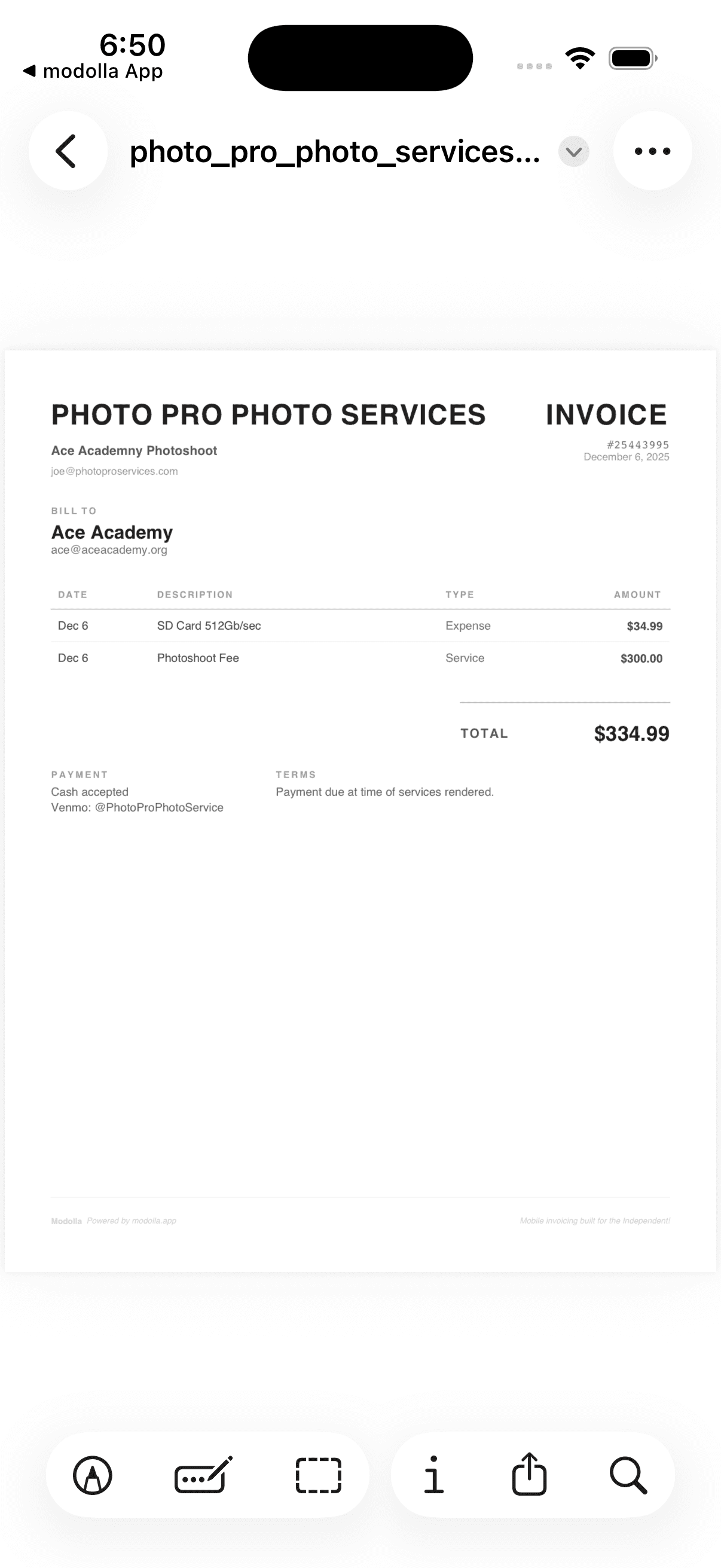
Modolla professional PDF invoice
01 — First run

Open it and you're ready

No setup gauntlet. Clean, empty surfaces that tell you exactly where to start — clients, projects, and sensible defaults waiting in settings.
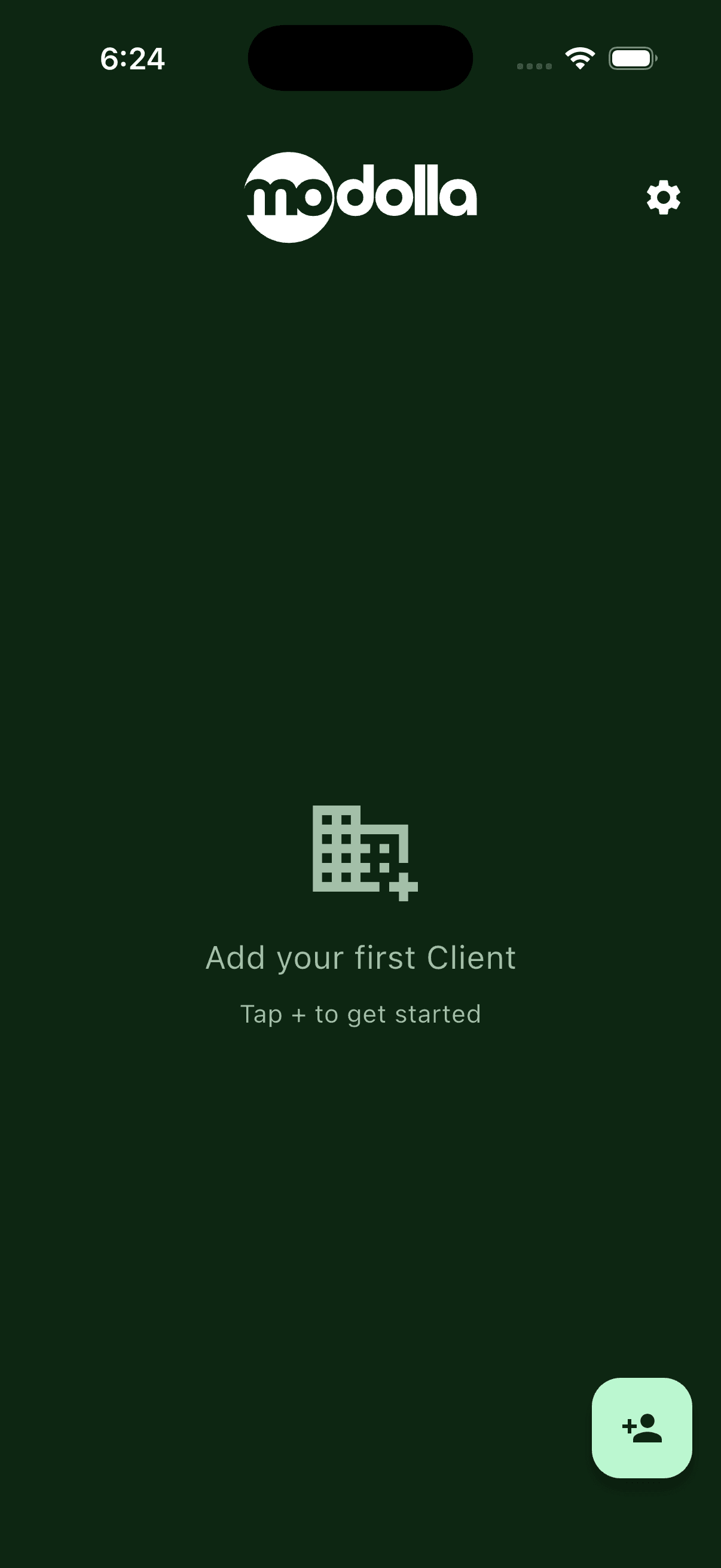

Modolla clients tab on first run
Clients, before you've added anyone.
Modolla projects tab on first run
Projects, ready for your first job.
Modolla default settings for a new user
Smart defaults, set out of the box.
02 — Clients & projects

Add a client. Start a project.

Two taps and you're working. Capture the details that matter for billing — nothing you'll never use.
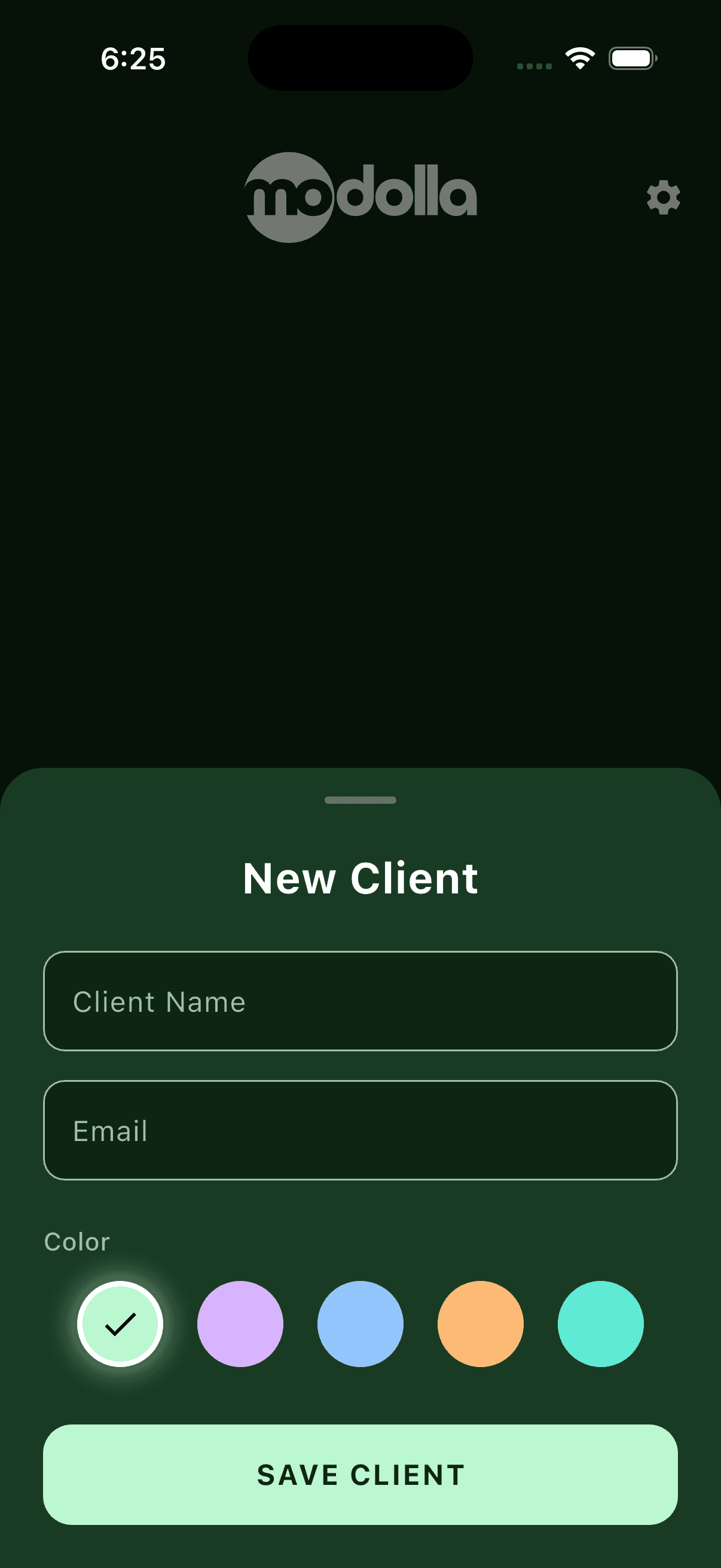

Adding a new client in Modolla
Add a client in seconds.
Creating a new project in Modolla
Spin up a project and tie it to a client.
Modolla client list view
Your roster, at a glance.
03 — Services & expenses

Track every line that earns

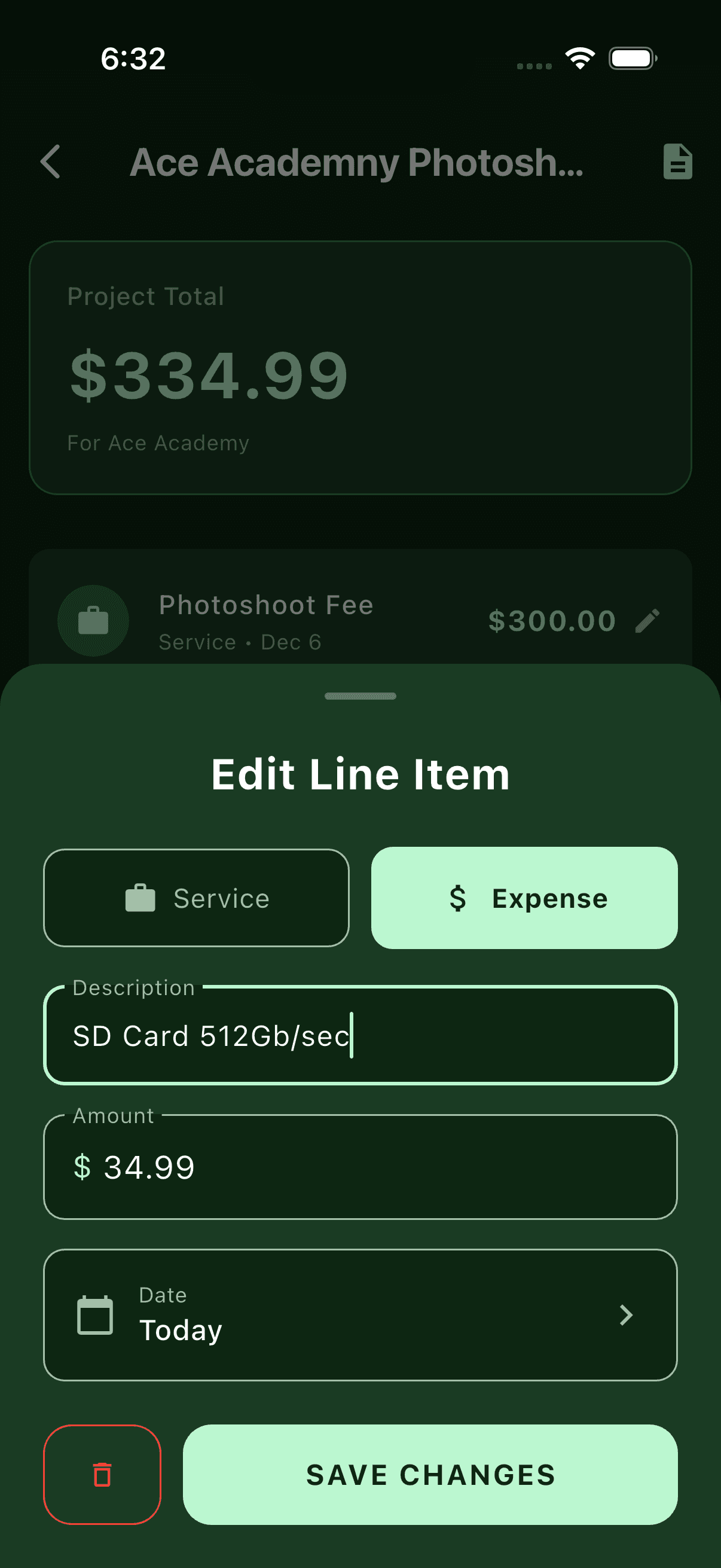
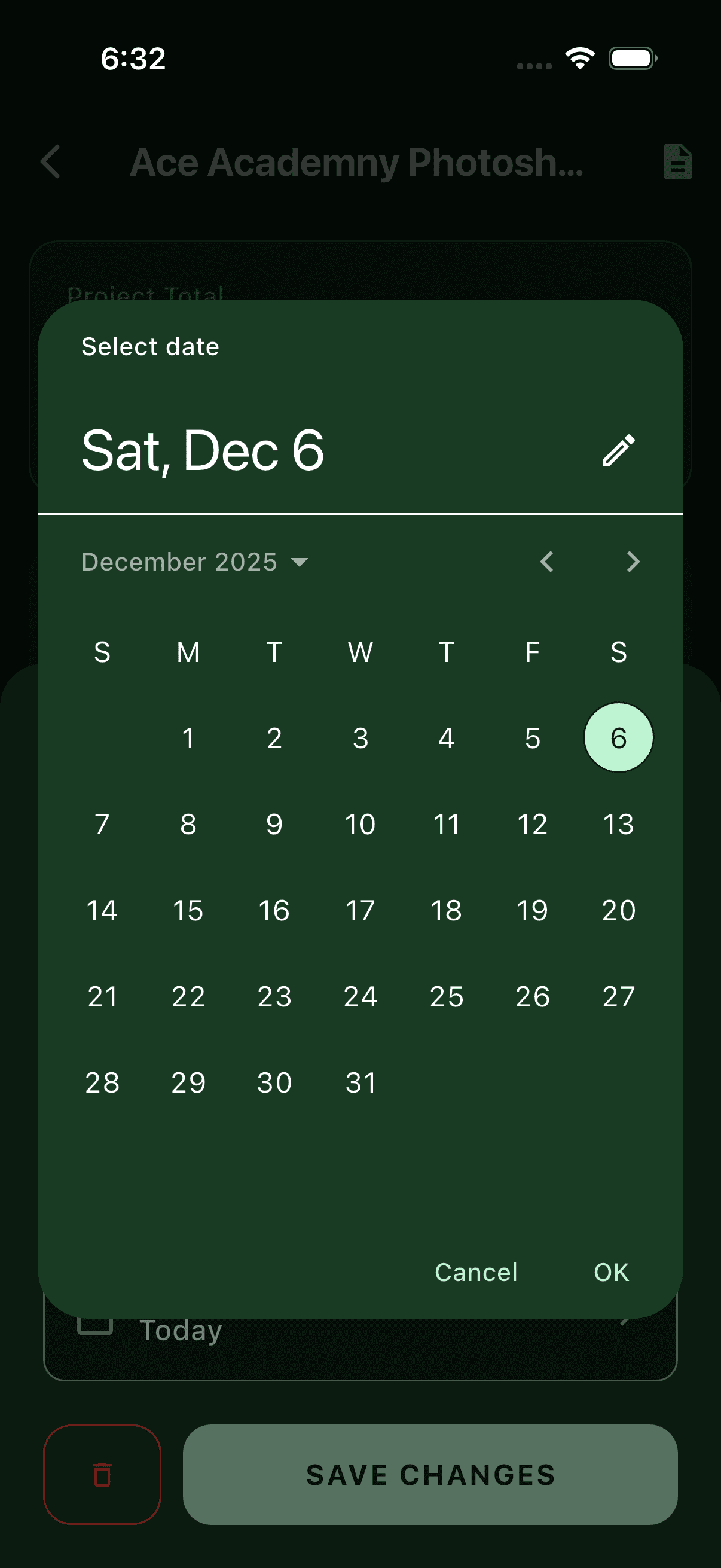
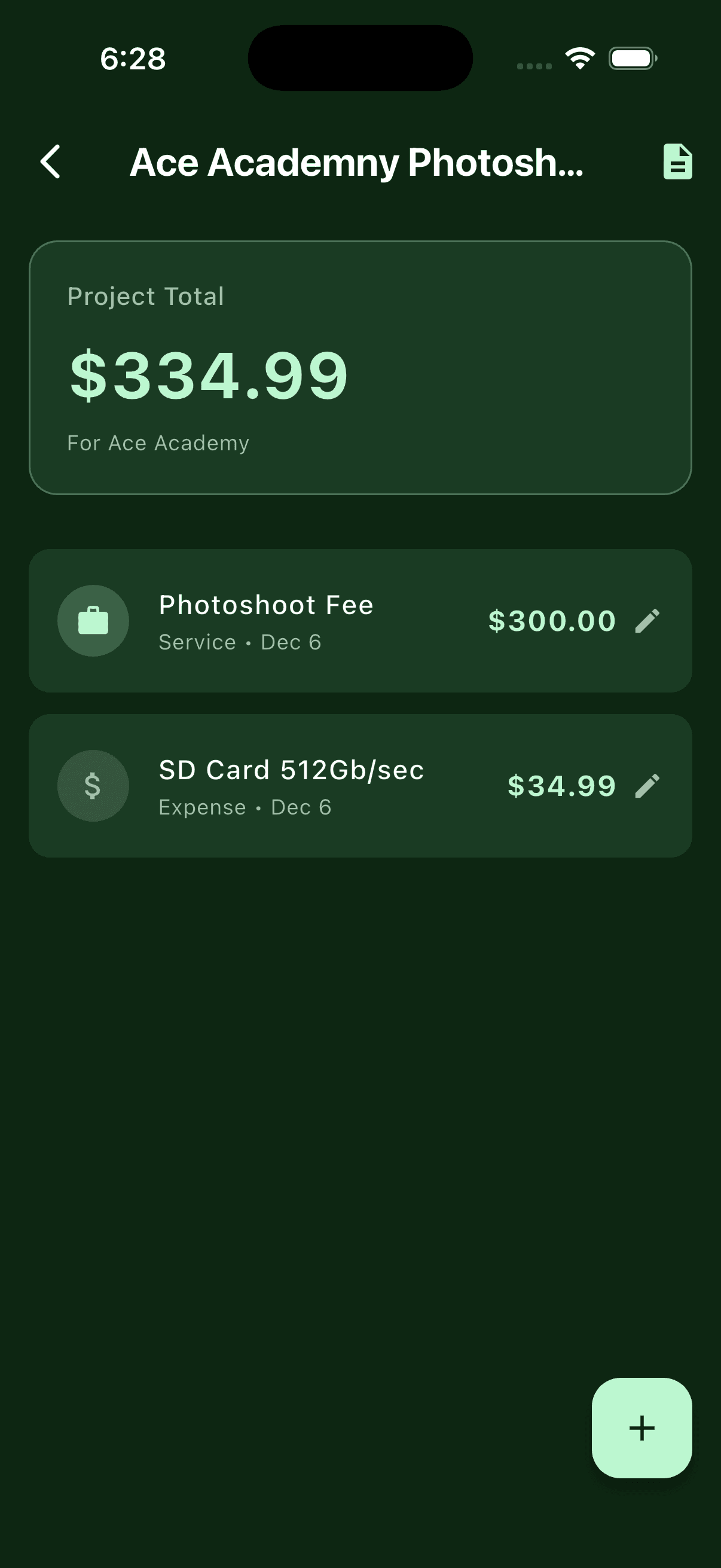
Log billable services and project expenses as they happen. Pick the date, name the line, watch the total move in real time.
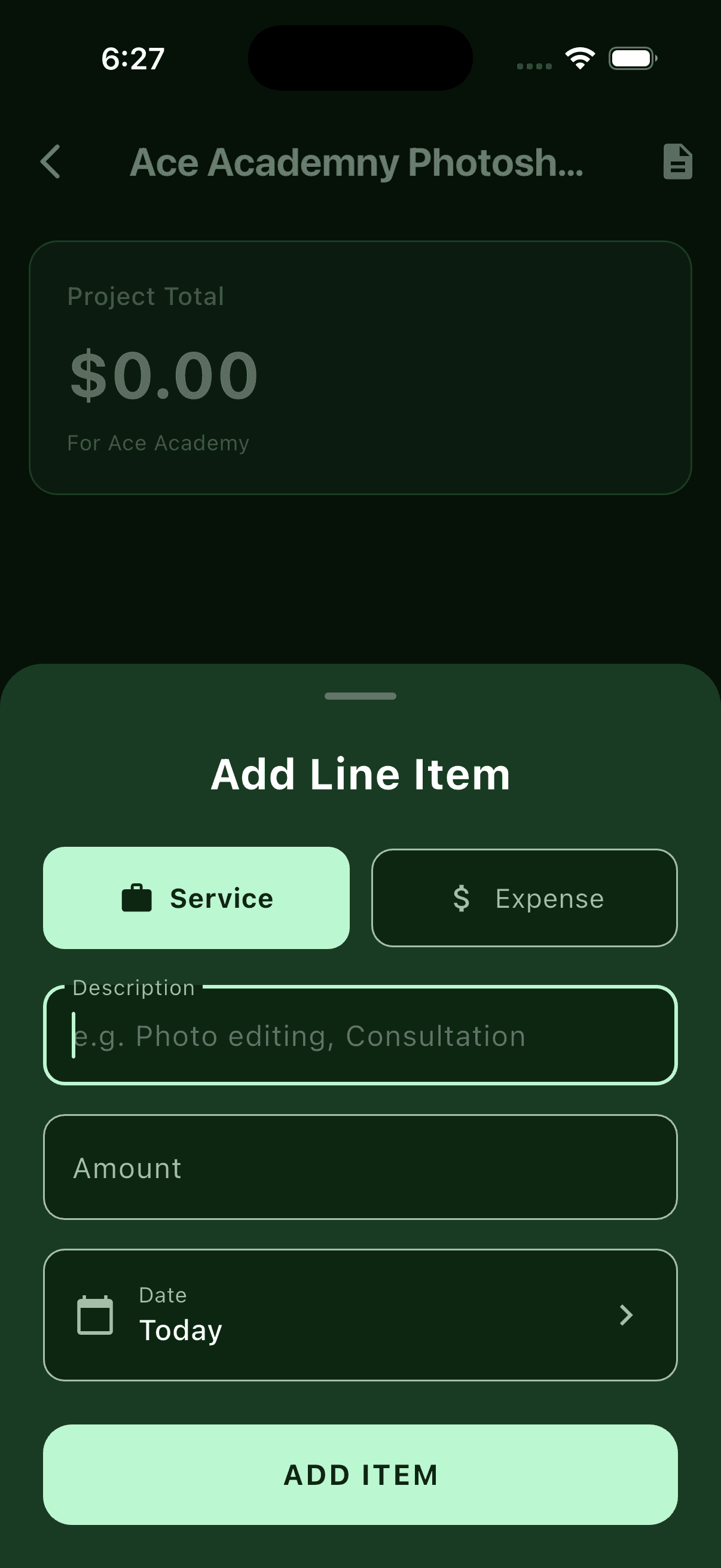
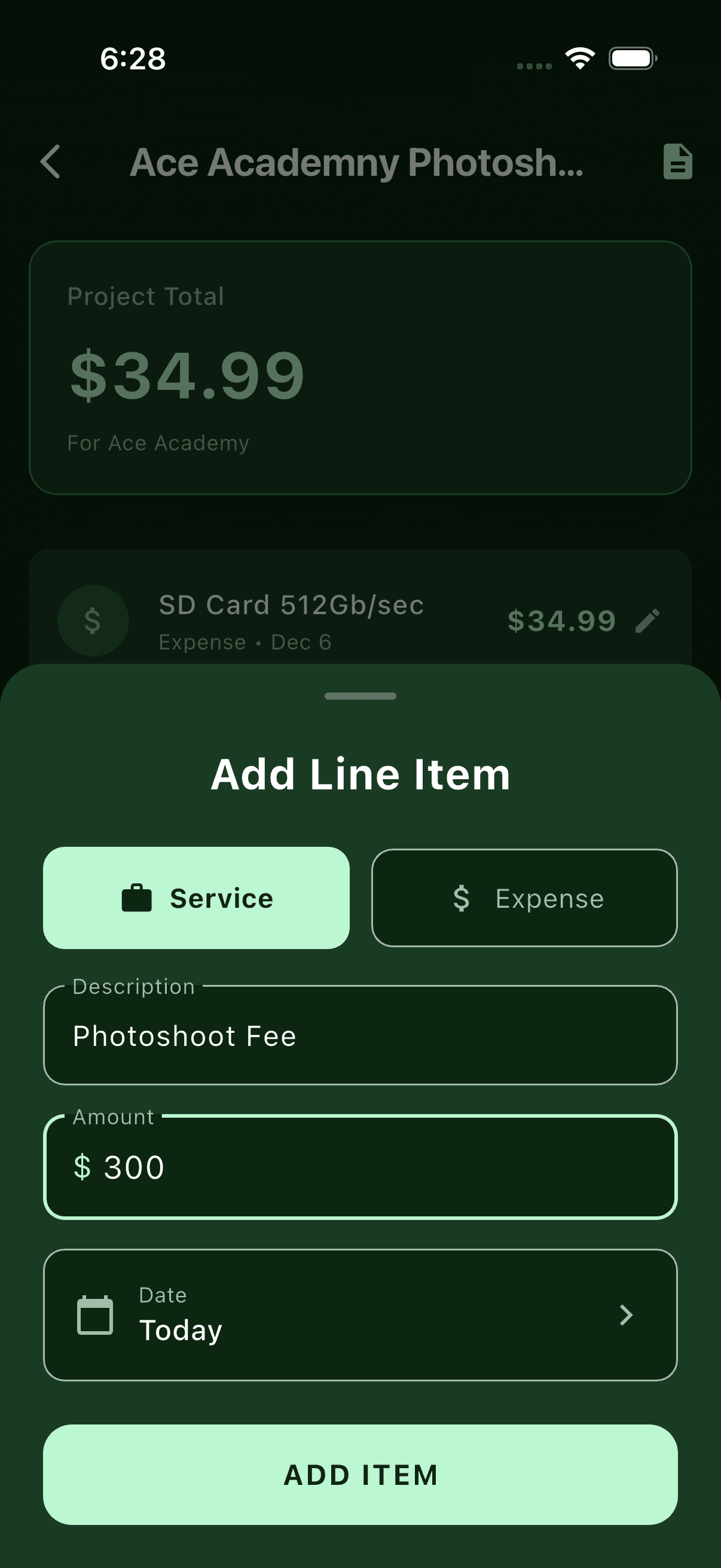
Adding a line item to a Modolla project
Add a line item to the project.
Adding a billable service line item in Modolla
Bill a service — your time, priced.
Adding an expense line item in Modolla
Log an expense against the job.
Date picker for services and expenses in Modolla
Date it right with the inline picker.
Modolla project detail with totals
Everything totals up, live.
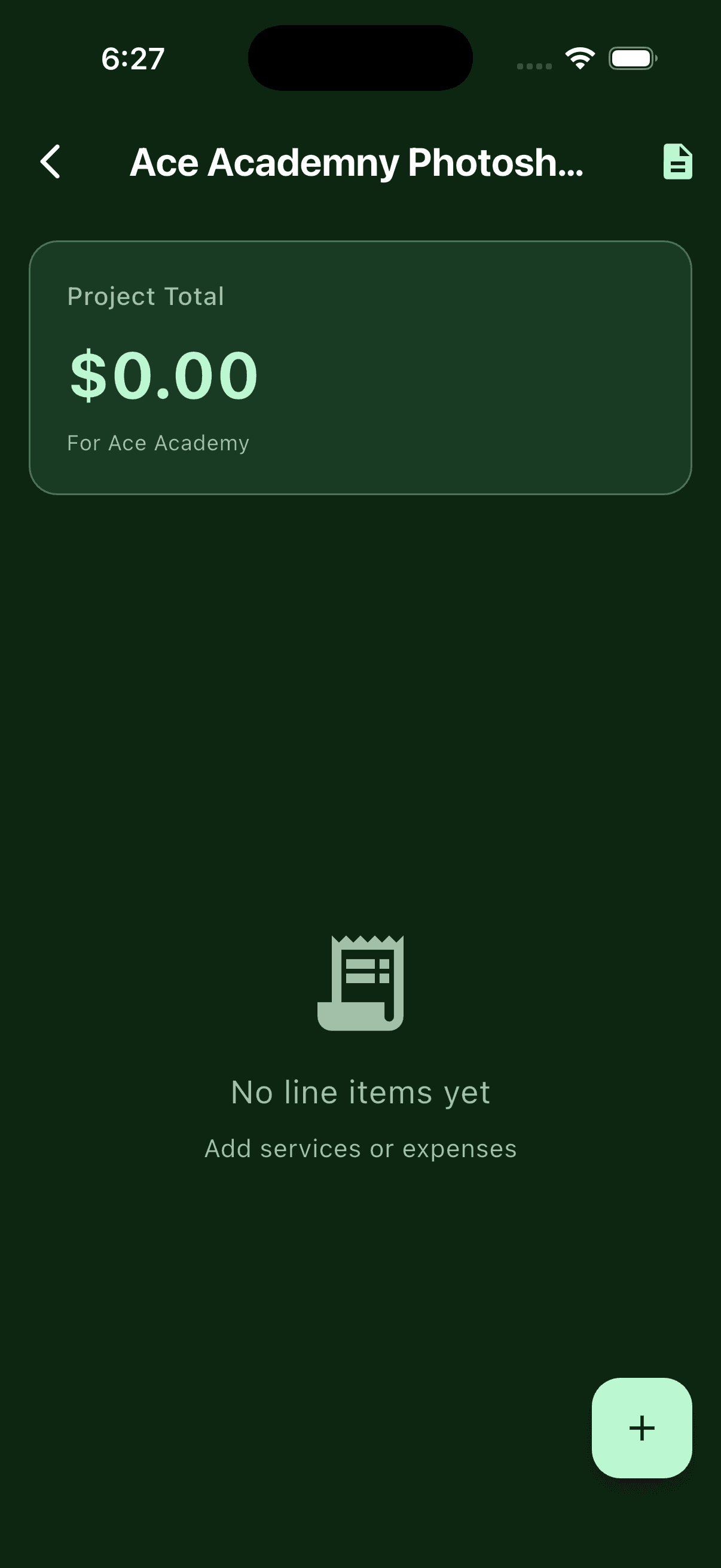
Empty Modolla project detail view
A fresh project, waiting for lines.
04 — The payday

Generate an invoice that looks like you meant it

The whole point. A minimalist, professional PDF — generated on-device — that looks like you hired a designer. It's the last thing the client sees before they pay.

Modolla professional PDF invoice preview

The finished invoice, ready to send.

05 — Make it yours

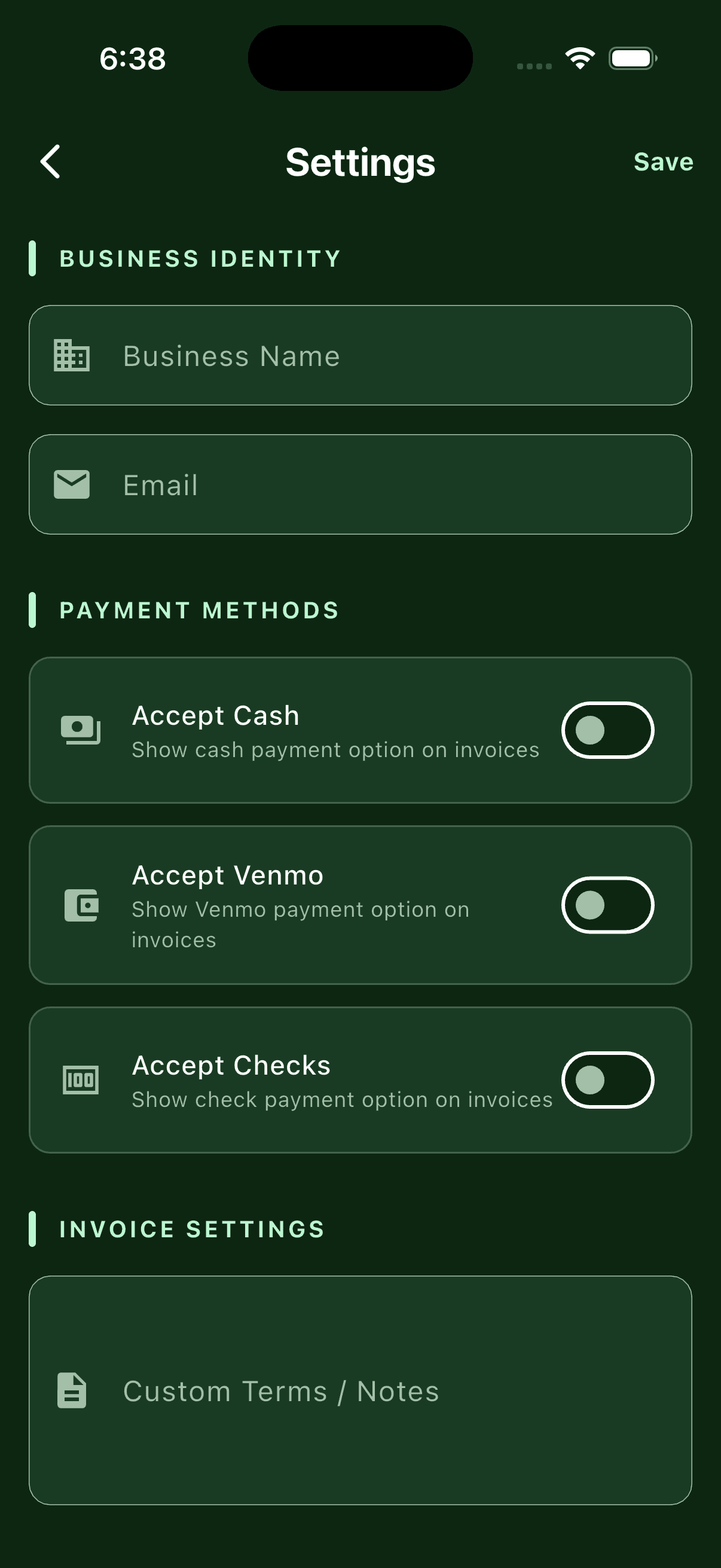
Terms, notes, and payments — dialed in once

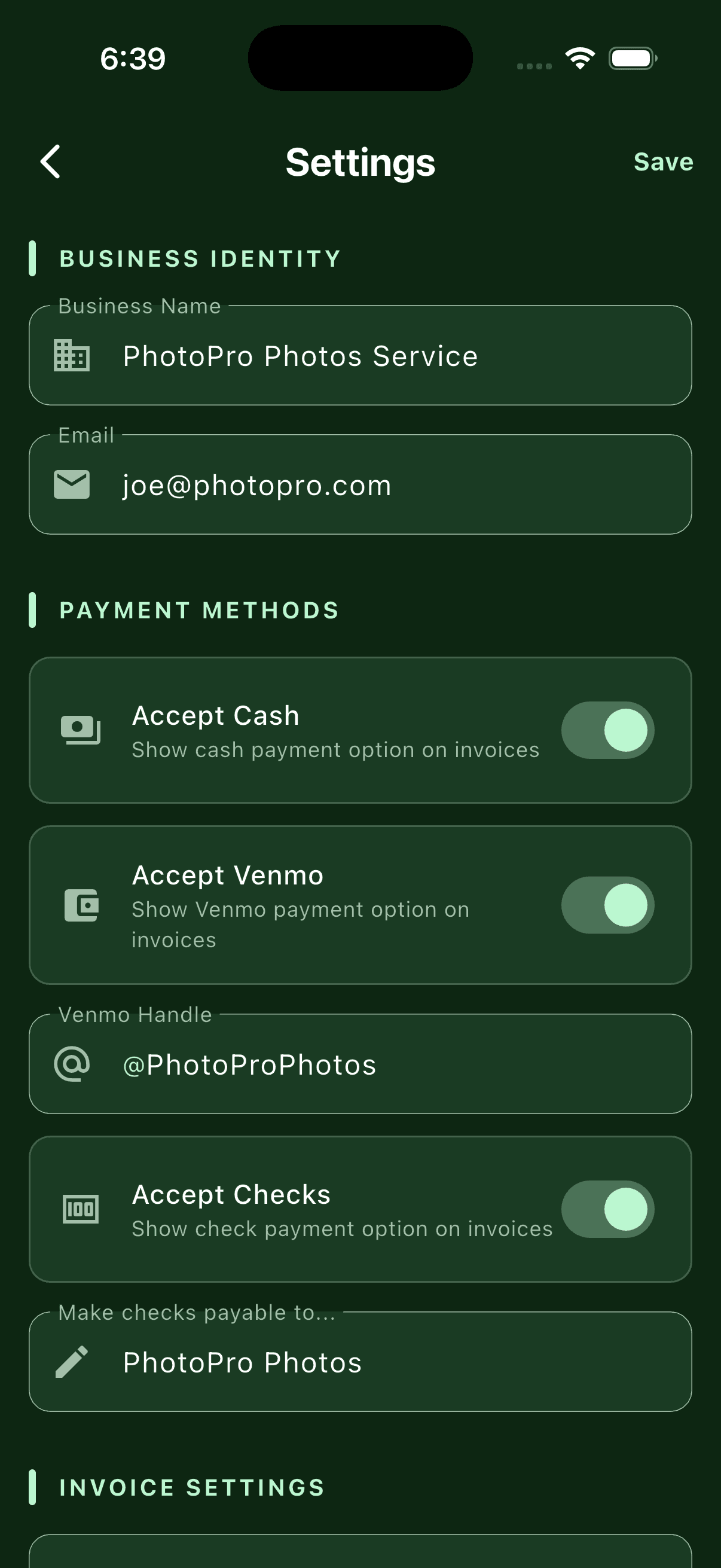
Set your default terms and notes so every invoice carries your voice. Turn on payment details when you're ready to get paid.
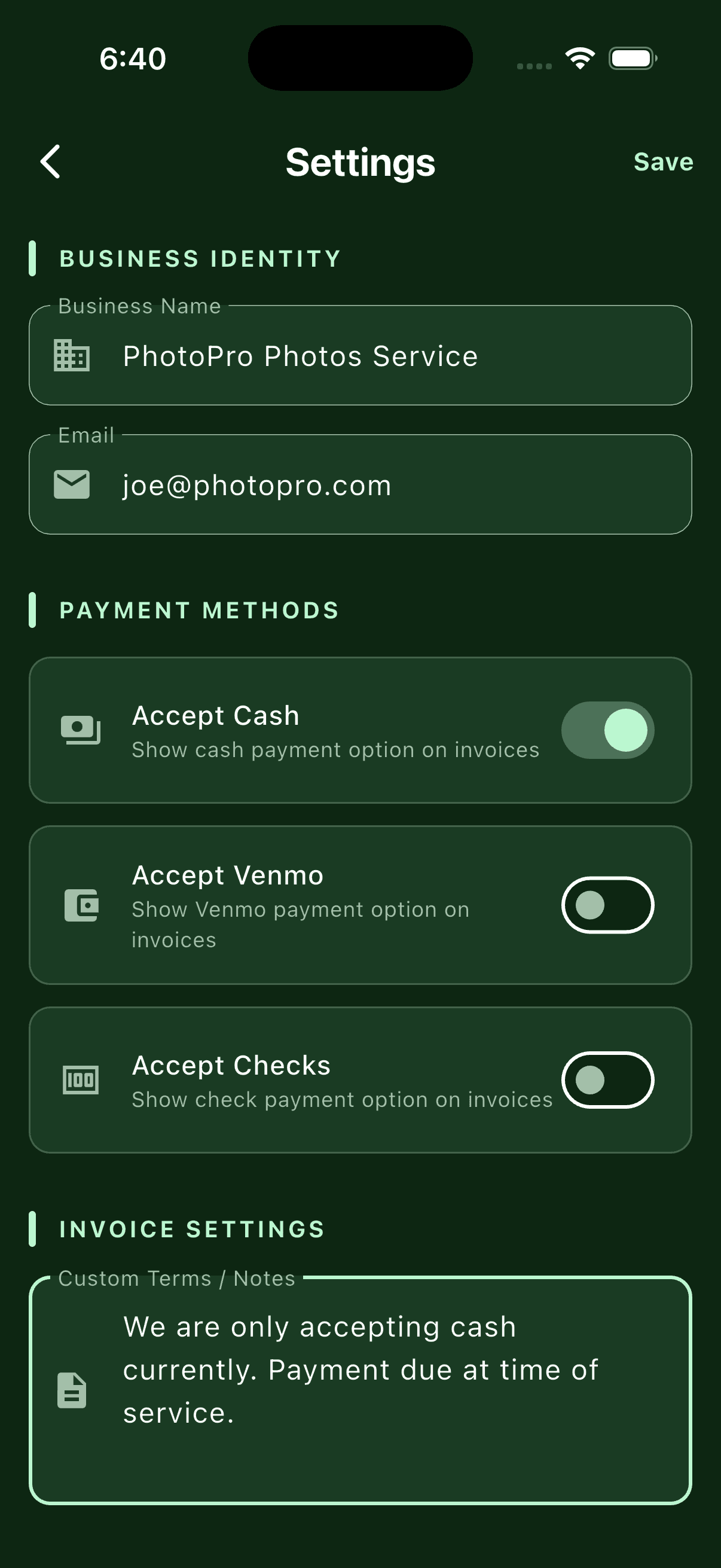
Modolla invoice terms and notes settings
Default terms & notes, written once.
Modolla payment settings enabled
Switch on payments when you're ready.

That's the whole loop.

Add the work, send the invoice, get paid.